All lessons in Workshop 2
Part 1: Getting started
Part 2: Potentiometers
Part 3: Push buttons
- 4 Push buttons
- 4.1 Task 2: Button circuit
Part 4: Capacitors
What is a button?
A button (also called a push button) is a type of switch. A switch is any part that can open or close a circuit, allowing or stopping the flow of current.
A button is a momentary switch: it only changes the circuit while you're pressing it. Let go, and it springs back to its normal state.
| Symbol | Image |
|---|---|
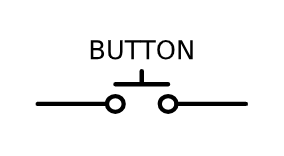 |
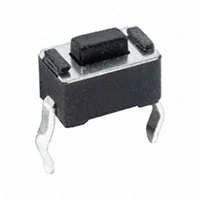 |
How a button works
- Press the button, and its contacts touch, making an electrical connection. The circuit is closed, so current flows.
- Release the button, and the contacts separate. The circuit is open, so current stops.
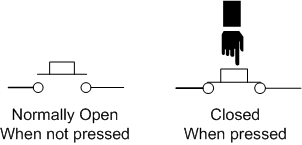
Normally open and normally closed
- Normally Open (NO): the circuit is open by default, so nothing is connected. Pressing the button closes it.
- Normally Closed (NC): the circuit is closed by default. Pressing the button opens it.
You'll use normally open buttons in this workshop: the LED is off until you press the button.
With and without a button
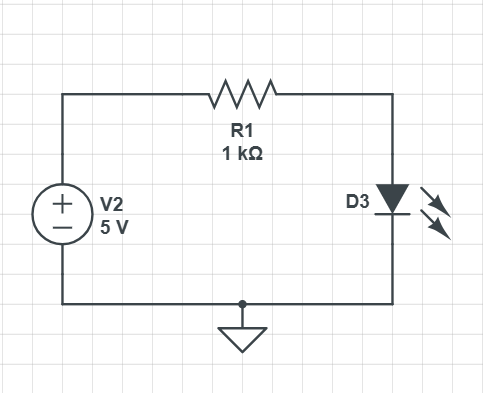
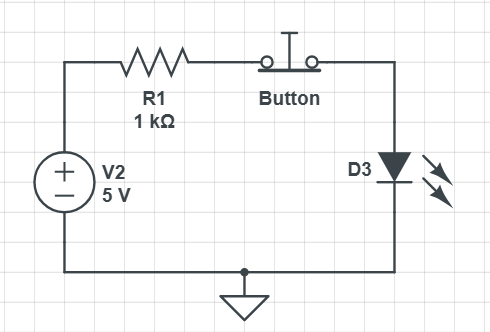
Without a button, the LED is on whenever the battery is connected. Put a button in series, and the LED only lights while you hold it down. (The schematics are labeled 5 V; your 3 V batteries work the same way.)
| Breadboard | Schematic | |
|---|---|---|
| Without a button | 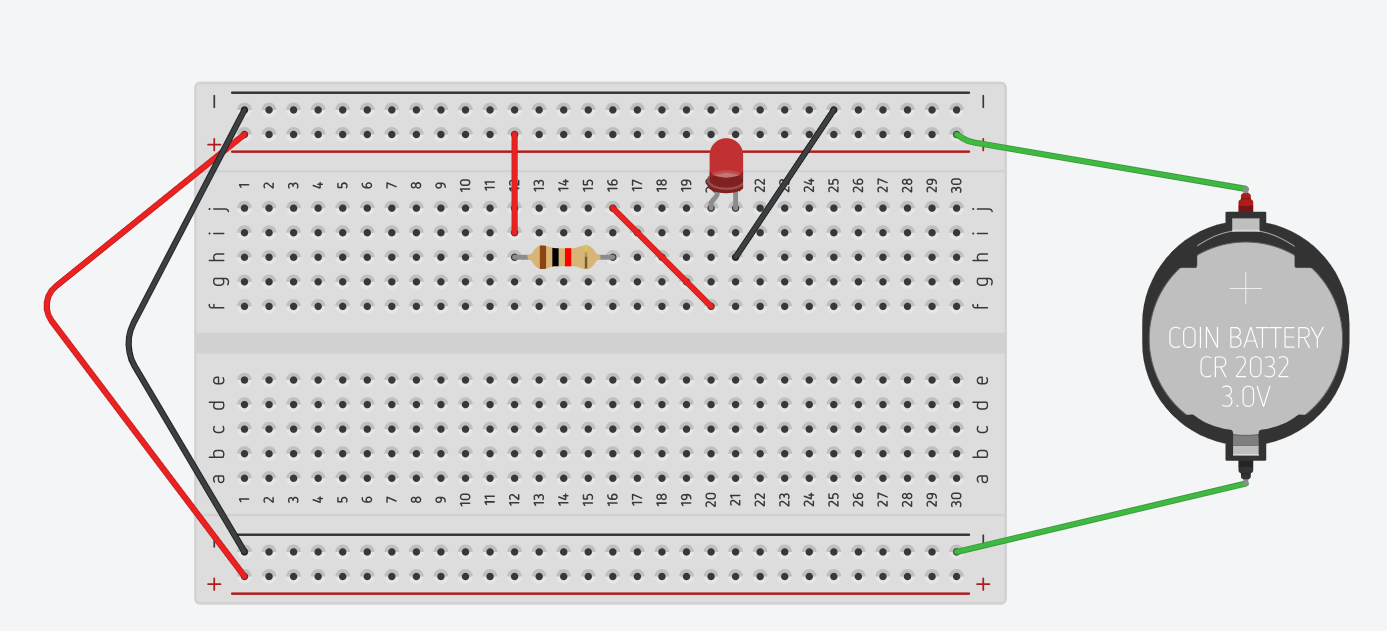 |
 |
| With a button | 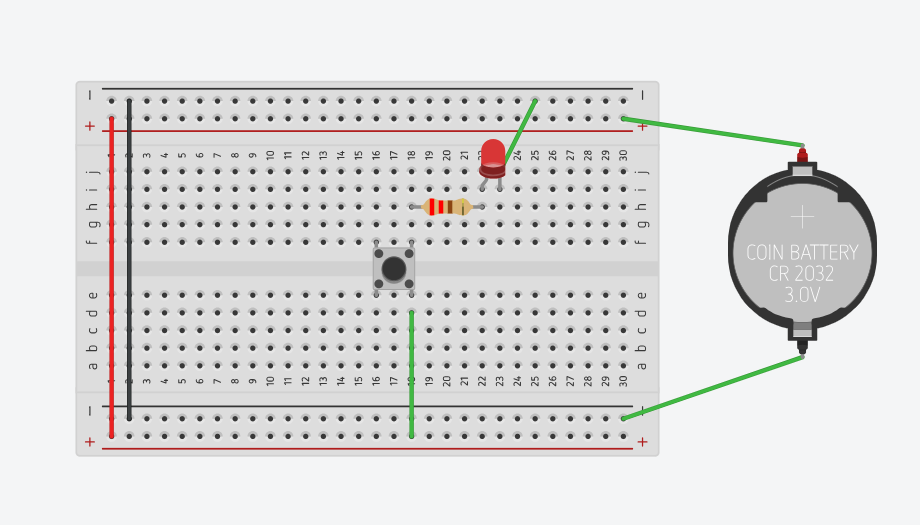 |
 |
What buttons do in circuits
- User input: a button lets a person send a signal to an electronic system, like turning a device on, resetting it, or triggering an event.
- Control flow: a button is a gate for electricity. A normally open button is ON while pressed and OFF when released.
- Talking to computers: buttons are often connected to the inputs of microcontrollers like an Arduino or Raspberry Pi, so a program can tell when someone presses them.
Think about it
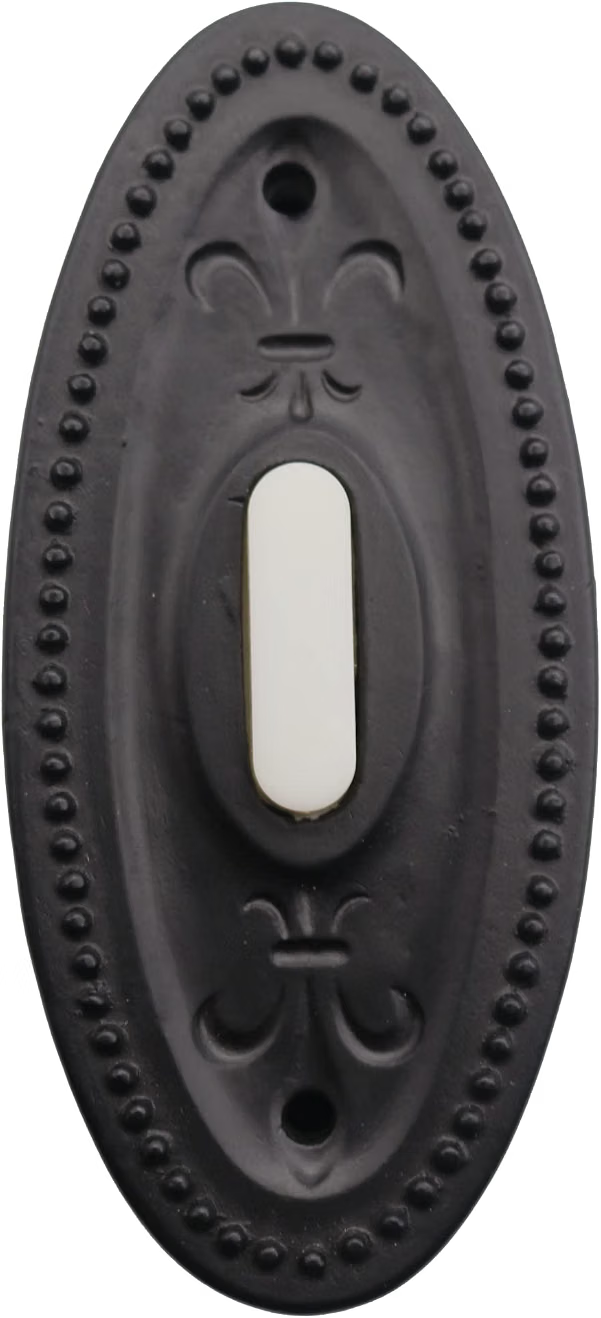
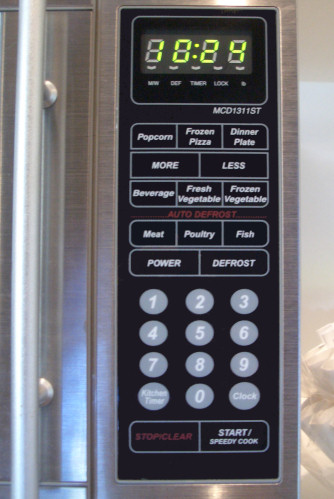
What are some buttons you use every day? Here are a few to start you off.
| Doorbell | Microwave | Remote |
|---|---|---|
 |
 |
 |